
Console and cheat safety
Gothic 1 Remake Cheats and Console Commands Guide
Gothic 1 Remake cheats are usually accessed through a community console-enabler rather than a built-in public cheat menu. Back up your saves, verify the current tool page, and test one command at a time. This guide separates reversible console testing from higher-risk trainers and memory editors.
Reviewed September 16, 2026 · Windows PC focus
What works for Gothic 1 Remake cheats in 2026
There is no reason to download a random trainer just to test movement, AI, inventory, or recovery commands. The clearest current route is a dedicated console-enabler project. The G1R Console Tools project page on Myrtana documents the tool and is the download destination used here. It was reachable on July 30, 2026, but its accessible page did not expose a reliable current version number or file size, so those details are intentionally omitted.
Search results often mix console commands with trainers, Cheat Engine tables, save editors, and old Gothic 1 codes. Those are different intents and different risk levels. A console command issued through a documented mod can usually be tested and reversed more predictably than an unknown executable that edits memory. Even then, commands may alter quests, inventory, NPC state, achievements, or the active save permanently.
The base game identity and platform should be checked against the official Gothic 1 Remake Steam page. Console tools are community projects, not official game features or THQ Nordic support utilities.
How to enable the console without risking your main save
Treat console access like any other injected or loader-based mod: establish a clean baseline, keep the downloaded archive tied to its source page, and make the first test disposable. If the project instructions conflict with a generic guide, the project instructions win because folder names, dependencies, and activation keys can change.
A separate profile also makes troubleshooting much easier. You can tell whether a crash comes from the console tool, another UE4SS-style mod, a stale loader, a graphics injector, or damaged game files instead of guessing across a large mod list.
- 1Verify the specific project page
Use the Myrtana G1R Console Tools page, read current requirements, and avoid generic mirrors or guessed file IDs.
- 2Back up outside the active save path
Create a manual save, close the game, and copy it to a folder that neither the game nor cloud sync will overwrite.
- 3Build a console-only test profile
Disable other mods and injectors so a failed launch or keybind can be attributed to one component.
- 4Test one reversible command
Begin with a harmless observation or movement test, then reload the clean save before trying inventory, AI, or world-state commands.
- 5Record and remove cleanly
Note the command and result, restore the backup if needed, and follow the tool's removal instructions instead of deleting random files.
Useful Gothic 1 Remake console command groups
The command names below are the commonly documented groups associated with current community console guidance. Capitalization, parameters, and availability may differ by tool build. Open the console, test a harmless state command first, and use the tool's own help or documentation before entering a command that changes the world or inventory.
Movement and observation commands are useful for escaping geometry or inspecting a problem, but they can also bypass quest triggers. Inventory and AI commands have a larger save-state footprint. World-wide actions such as killing or disabling actors should be reserved for a copied test save, never a normal playthrough.
| Command group | Examples | Use | Risk boundary |
|---|---|---|---|
| Player state | God | Temporary survivability testing | Can invalidate normal combat testing; reload afterward |
| Movement | Fly · Walk · Ghost | Escape geometry or inspect a location | May skip triggers or leave collision in the wrong state |
| Position | Teleport | Move to a documented target | Wrong parameters can strand the player or bypass progression |
| Inventory | GetAllItems · spawn-item functions | Check items on a disposable save | Large permanent inventory and progression changes |
| AI | DisableAI · EnableAI | Isolate NPC or combat behavior | Quest and NPC state may not recover cleanly |
| World state | KillAll | Debug a copied test environment only | High risk; never use on a normal playthrough |
A safe command-testing workflow
First record the game build, console-tool source, download date, loader version, and other active mods. Then create a manual save in a quiet location, exit the game, and copy the save outside any active or cloud-synced folder. Keep a second clean launch profile without the console tool.
After enabling the console, run only one command and observe the result before saving. If a command changes AI, collision, movement, quest state, or inventory, reload the pre-command save instead of trying to undo several changes from memory. Do not assume removing the console tool reverses data already written into a save.
Why trainers and Cheat Engine tables are a separate risk
Similarweb shows demand for trainers and Cheat Engine queries, but that does not make an executable trustworthy or suitable for this site. Unknown binaries, repacks, password-protected archives, unsigned injectors, and files mirrored away from the author page receive no download link here. A search result, antivirus screenshot, or popularity count is not proof of provenance or compatibility.
If your goal is only to recover from stuck geometry, inspect an area, or test an item, prefer the narrowest documented console function. If your goal is permanent stat editing or save rewriting, make a separate experimental save and accept that quest balance, achievements, and later patches may behave differently.
Troubleshooting when the console does not open
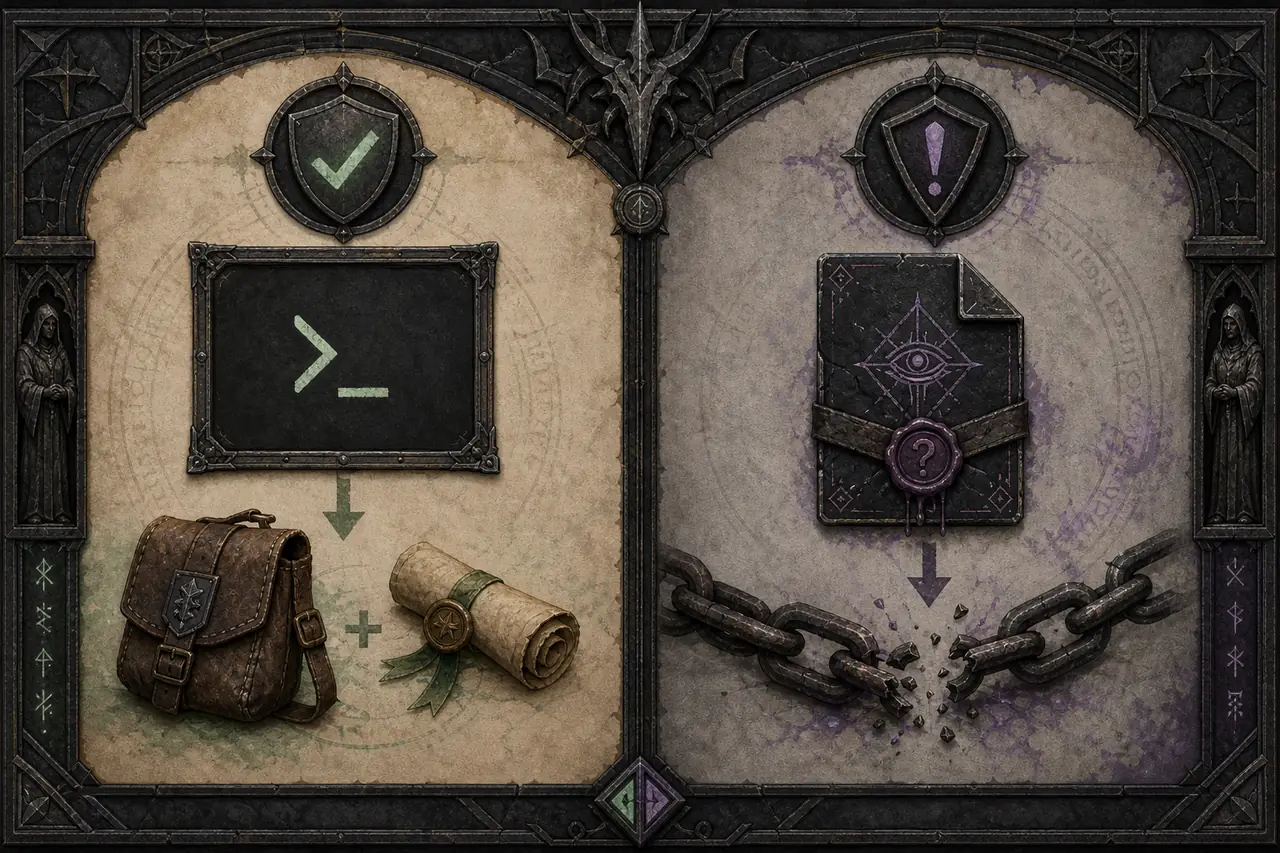
Start with source and version alignment: confirm that the archive came from the same specific project page you are reading, re-read its requirements, and compare the expected folders with your actual installation. Remove duplicate loader copies, old console files, and conflicting keybind mods before changing more settings.
Then test the clean game, the loader alone, and the console tool alone. Check whether security software quarantined a DLL, whether the game update replaced files, and whether another overlay or injector captures the activation key. The community-maintained Gothic 1 Remake Enhanced Mods guide can provide broader loader context, while this site's mods-not-working checklist gives a clean diagnostic order.
What to verify before using a command
A console command is not automatically harmless. Identify the project that provides the console or enabler, the loader build it needs, and whether the command belongs to the Remake. A key combination without a named dependency is only an unverified lead.
Use a copied save, record the quest and inventory state, and save to a new slot. Test one command and reload before continuing. Never change quest flags, companions, or world state on only save. Trainers and Cheat Engine tables have a different risk boundary from a documented console workflow.
- 1Identify the dependency
Confirm the loader, enabler, project source, and supported game build.
- 2Protect the original save
Copy the save and record the quest, inventory, and location before testing.
- 3Run one command
Change one value or state, then reload and check the expected result.
- 4Keep tools separate
Do not mix a console test with an unverified trainer or memory table.
Gothic 1 Remake Cheats and Console Commands FAQ
Does Gothic 1 Remake have built-in cheat codes?
The publicly documented route is generally a community console-enabler, not an official built-in cheat menu. Verify the current project instructions before use.
How do I open the Gothic 1 Remake console?
The G1R Console Tools guide has documented an activation key such as F10, but keys and setup can change. Follow the current project page rather than relying on an old cached instruction.
Can I spawn items with console commands?
Community console guidance includes inventory and item-spawn functions. Use them only on a copied save because inventory and progression changes can persist.
Do console commands disable achievements?
There is no universal guarantee. The tool, command, game build, loader, and resulting save state can all matter. Keep a clean achievement profile and test separately.
Are Gothic 1 Remake trainers safe?
Safety cannot be inferred from popularity or a search result. This page does not link unknown trainers, Cheat Engine tables, repacks, or mirrors; use a specific author project and verify provenance.
How do I open the Gothic 1 Remake console safely?
First verify the current author instructions for the console enabler or loader, then test it with a copied save and a new slot. Do not assume the classic Gothic Marvin Mode, a key binding, or a third-party trainer works in the Remake without a current project source.